
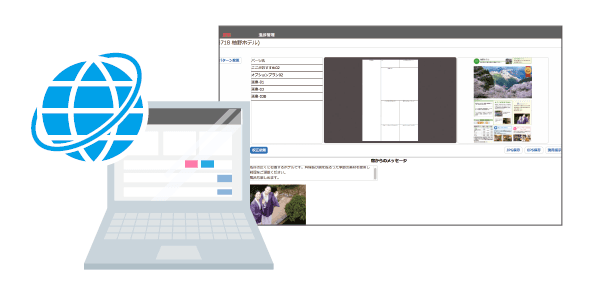
Operate in a web browser without specialized DTP knowledge
Because production can be handled in a browser, staff can create travel magazines, brochures and flyers without specialized DTP skills.
Travel XCMS
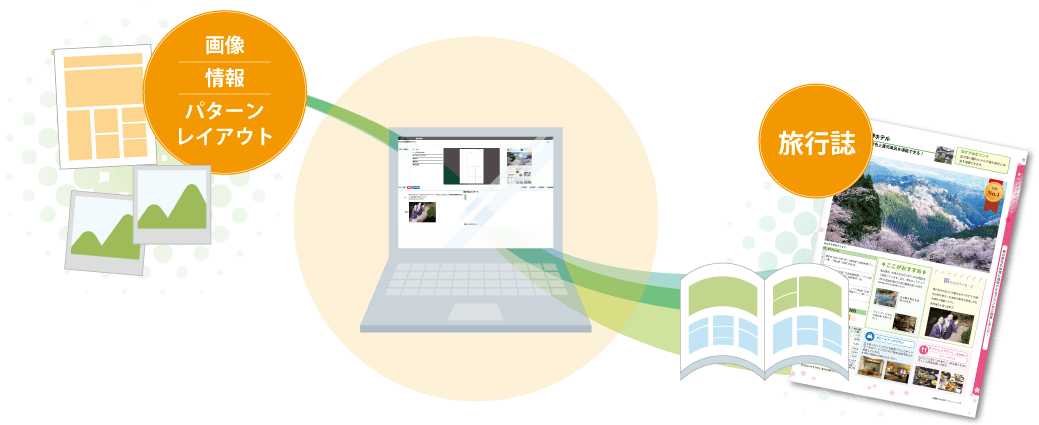
Overview
Travel XCMS is a web-based production system for travel magazines, brochures and flyers. Teams can combine parts to create templates and layouts without specialized DTP knowledge. Existing manuscripts can also be reused in new manuscripts, improving efficiency and shortening production time.
Because production can be handled in a browser, staff can create travel magazines, brochures and flyers without specialized DTP skills.
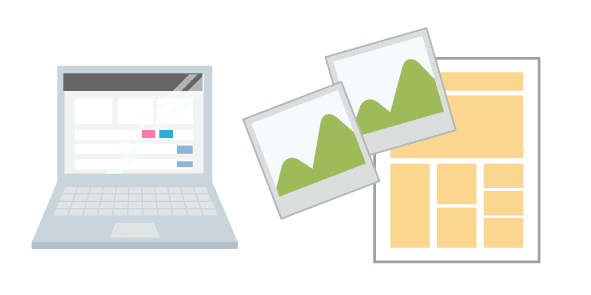
Combine pattern templates to create pages. Images can be trimmed freely and layouts can be adjusted as needed.
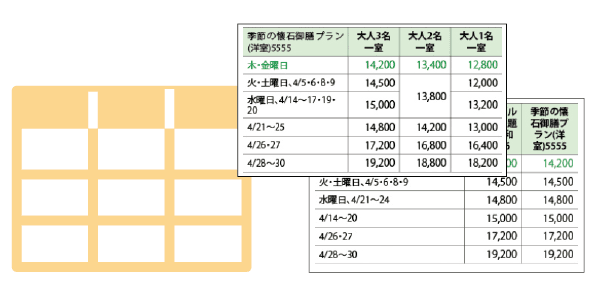
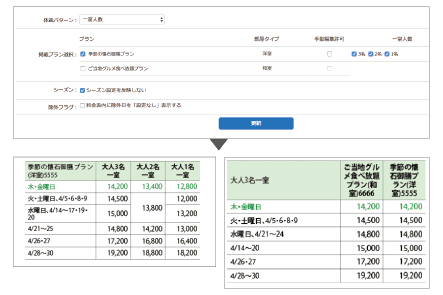
Rate tables in many formats can be created easily from web screens, reducing data-preparation work.
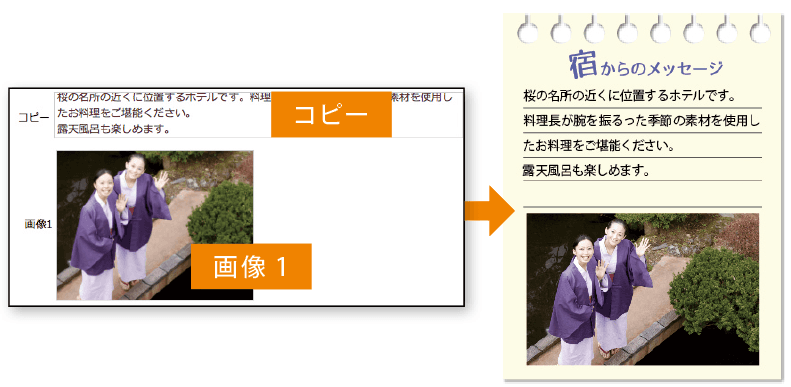
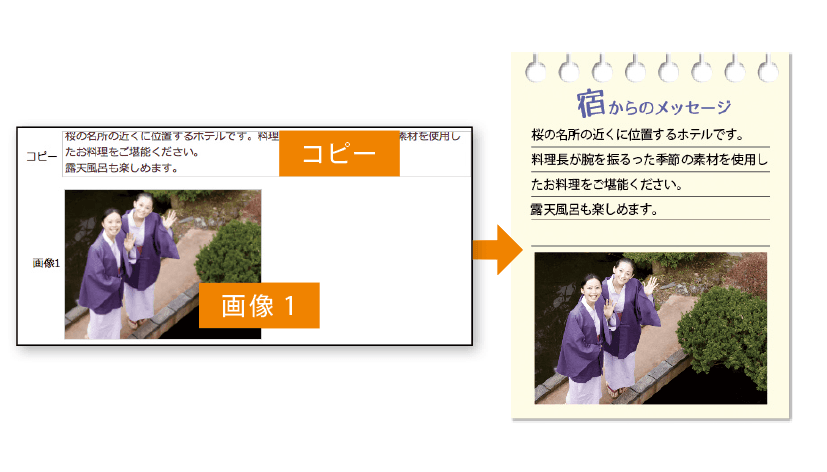
When parts are placed, their configured input fields appear. Staff enter only the required information, avoiding unnecessary work.
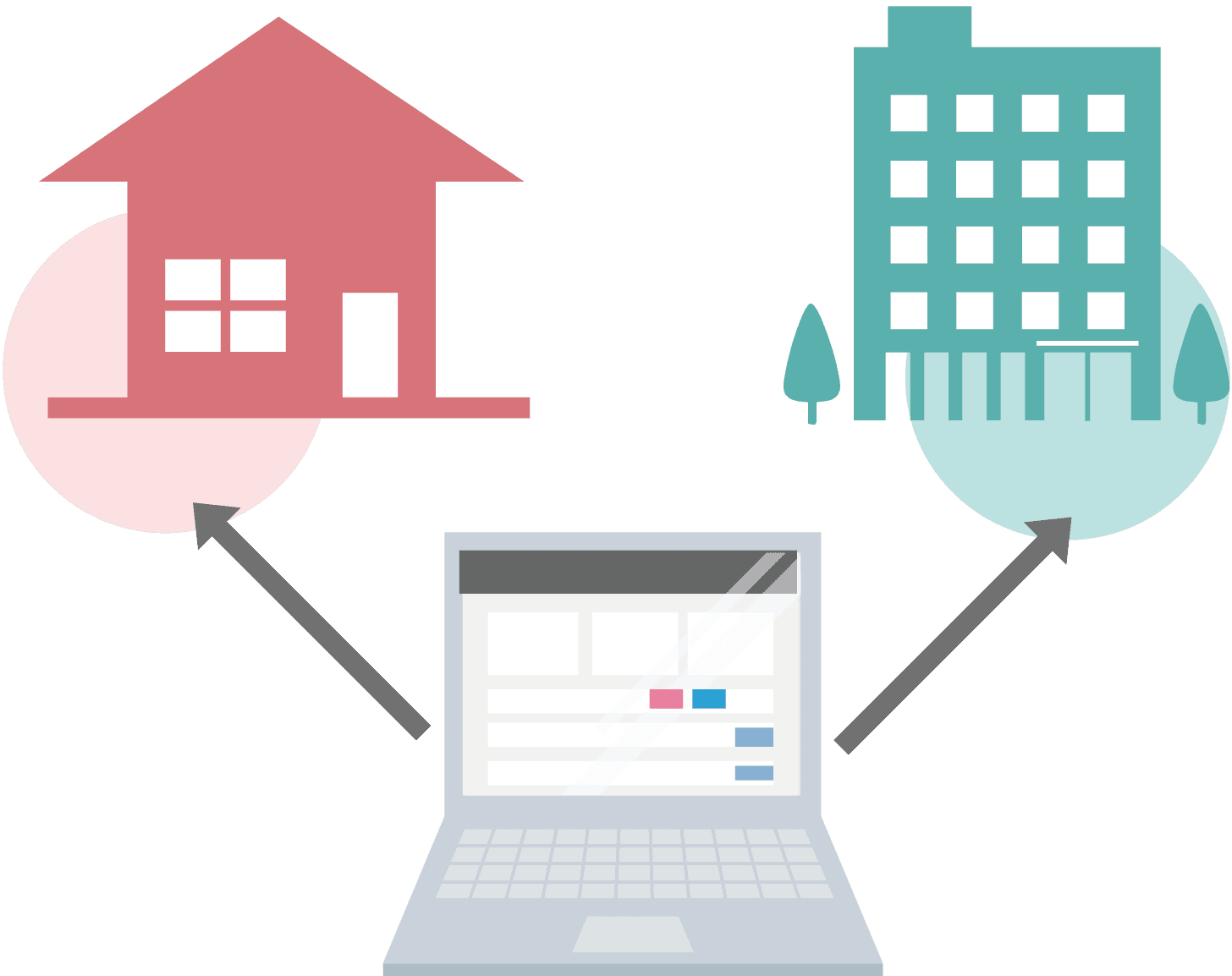
Travel XCMS requires no dedicated software installation. Pages can be revised and checked from a web browser, supporting flexible work styles.
Because complex tables and pattern templates can be handled in a web browser, production time can be reduced. Data changes can also be reflected into DTP data quickly, reducing input errors and proofing costs.
Browser-based operation enables staff without specialized DTP knowledge to participate in production work that previously required dedicated operators.
Travel magazines and flyers can be reused to create new data, improving efficiency across the workflow. Browser-based operation also supports varied work styles.
Before Implementation
Stores planned flyer content independently, but production requests had to pass through a production department and then a production company, increasing lead time.
Result after implementation
Travel XCMS lets store staff select templates from predefined patterns and enter the required information, making it possible to create and preview flyers locally and shorten production time.
Before Implementation
Adding a new template required system development, creating extra cost.
Result after implementation
Users can combine configured parts to create templates, making more layout patterns available without additional development each time.
Workflow
Use Adobe InDesign to create part data and base-page data, then register those parts in Travel XCMS. Registered parts can be combined to create and register layout patterns.
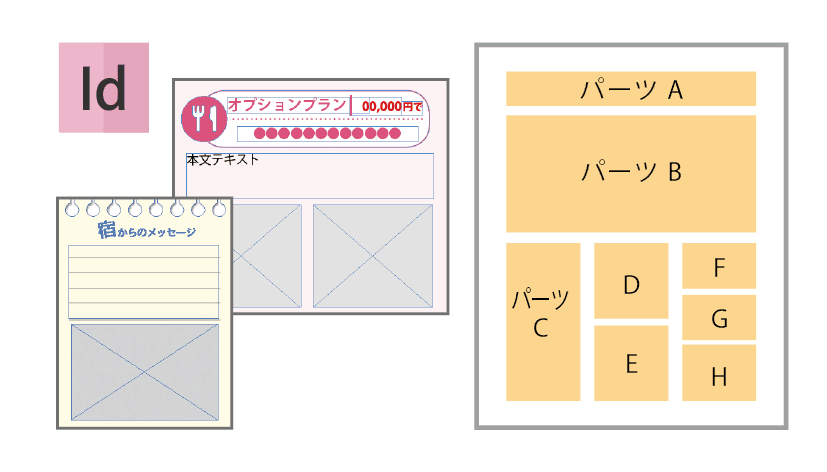
Create page layouts from registered patterns. Detailed adjustments such as part replacement and placement changes are also possible.
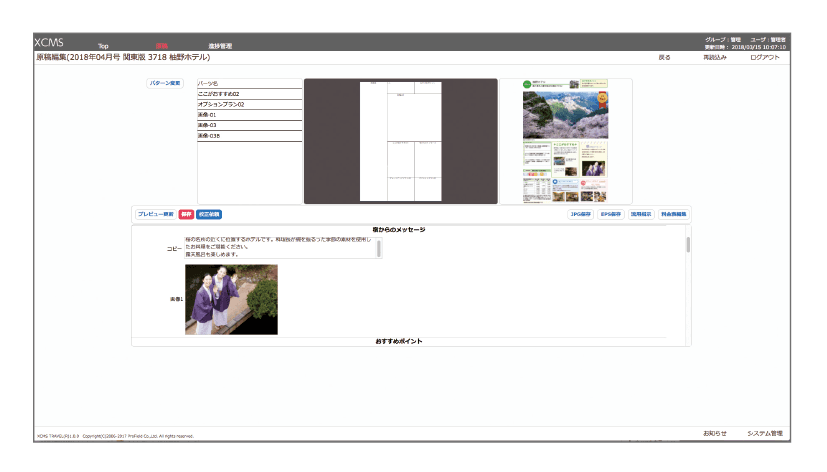
Enter manuscript data. Plans and other information registered in the database can also be selected.
Benefit
Browser-based operation enables immediate preview of layout and input content, including detailed layout results.
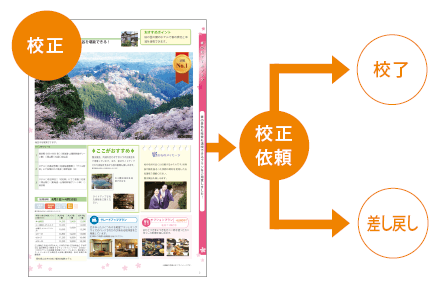
Send a proofreading request to the reviewer.
Benefit
Manuscript statuses such as proofreading requested, returned and approved can be changed and checked in the browser.
Review proofs using the output JPG proof files.
Benefit
Because corrections can be made in the browser, revised content is reflected and checked quickly.
The administrator closes and manages submissions, then outputs final page layouts based on page-planning information.
Benefit
Restricting corrections after approval and closing helps prevent workflow accidents.
Functions
Rate tables in many formats can be created easily from web screens, reducing data-preparation work.
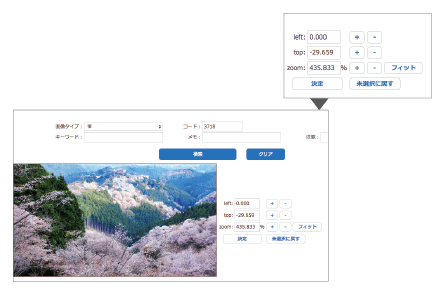
Registered images can be trimmed in the browser. In addition to numeric entry, intuitive drag-based trimming is supported.
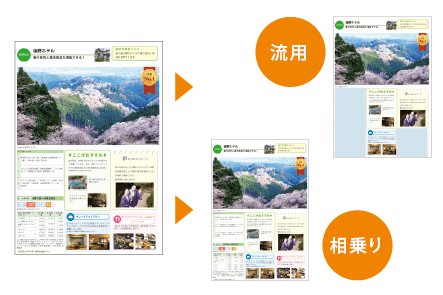
Manuscripts can be created by reusing parts of another manuscript or using an existing manuscript as-is in another manuscript.
After manuscript creation, reviewers can proof output manuscript files in JPG format. Status changes such as proofreading requested, approved and returned can be handled with buttons.
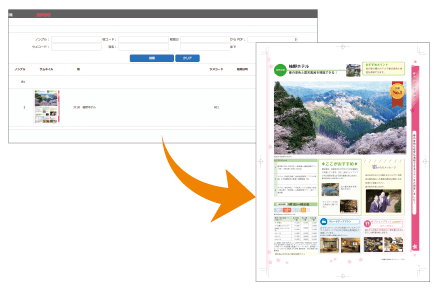
Data that has been locked for submission is composed in the web browser. Output PDFs can be downloaded locally.
Contact / Consultation
Tell us about your current workflow and requirements. We will guide you through suitable configurations, implementation steps, materials, demos and environment checks.
We clarify your workflow, production structure and data management requirements.
We provide product materials and demo guidance based on your use case.
We review system requirements, integrations and operational prerequisites.